
The API Console is a self-service dashboard where you create and manage API keys for the Revolut Business and Merchant endpoints. This guide walks you through accessing the API Console for the first time. Not sure which path to take? See the user journeys in the Introduction: build and test in the Sandbox, or go live in Production.
If you already have access to the API Console, skip to Create an API key.
How it works
You can access the API Console at developer.revolut.com/console. You log in to the API Console using a Revolut Business account.
You can also get to the API Console straight from the app switcher in your Revolut Business app. In the bottom left corner, look for API Console in or next to All apps. The app switcher is not available in Sandbox.
| Flow | Who it's for | What you'll do |
|---|---|---|
| Log in | You already have a Revolut Business account | Sign in with your existing credentials |
| Create an account | You don't have a Revolut Business account | Create an account right from the API Console |
If you already have a Revolut Business account, sign in directly.
-
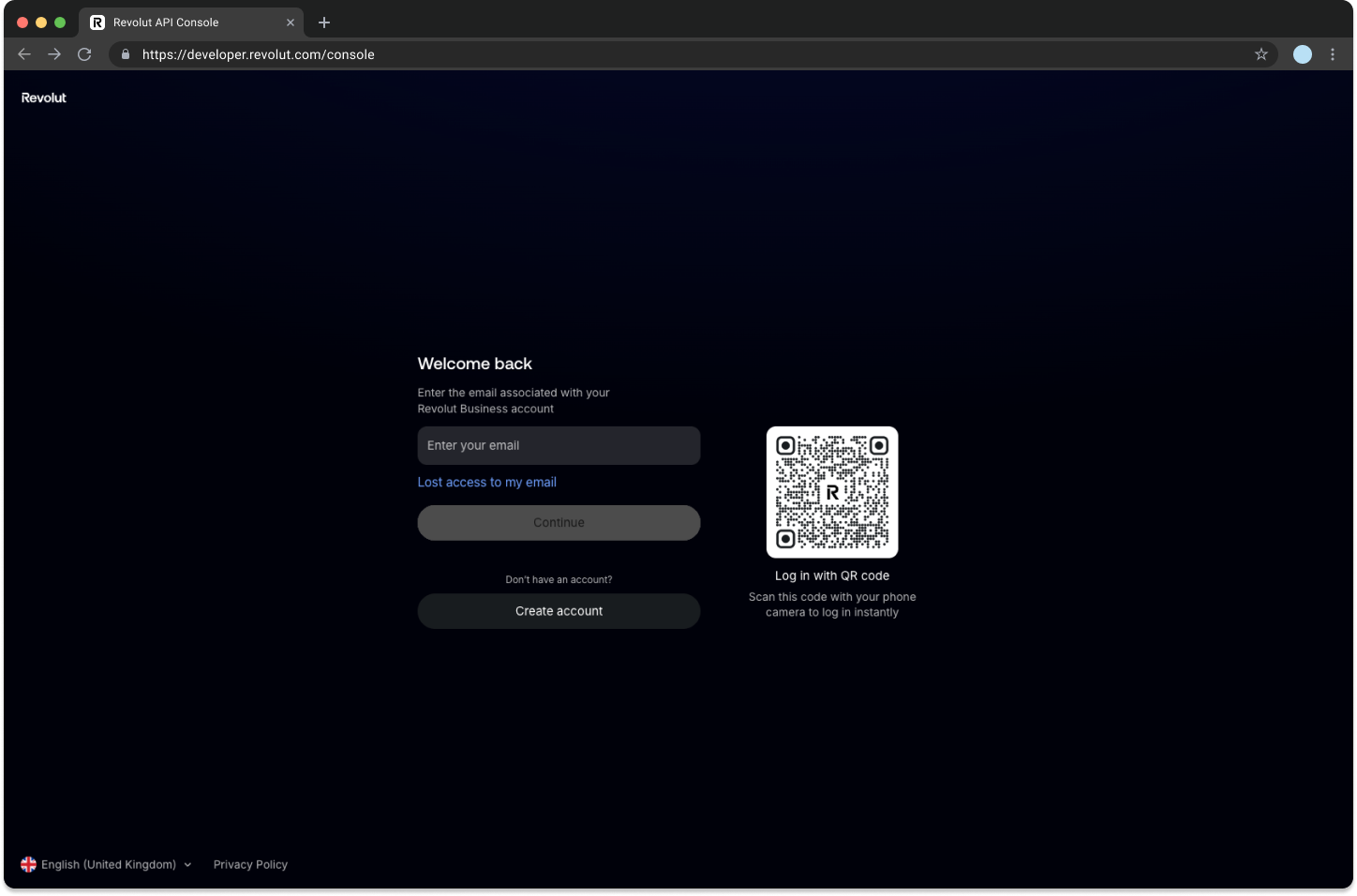
Go to the API Console.
-
Log in with the e-mail linked to your Revolut Business account.
-
Enter your passcode.
-
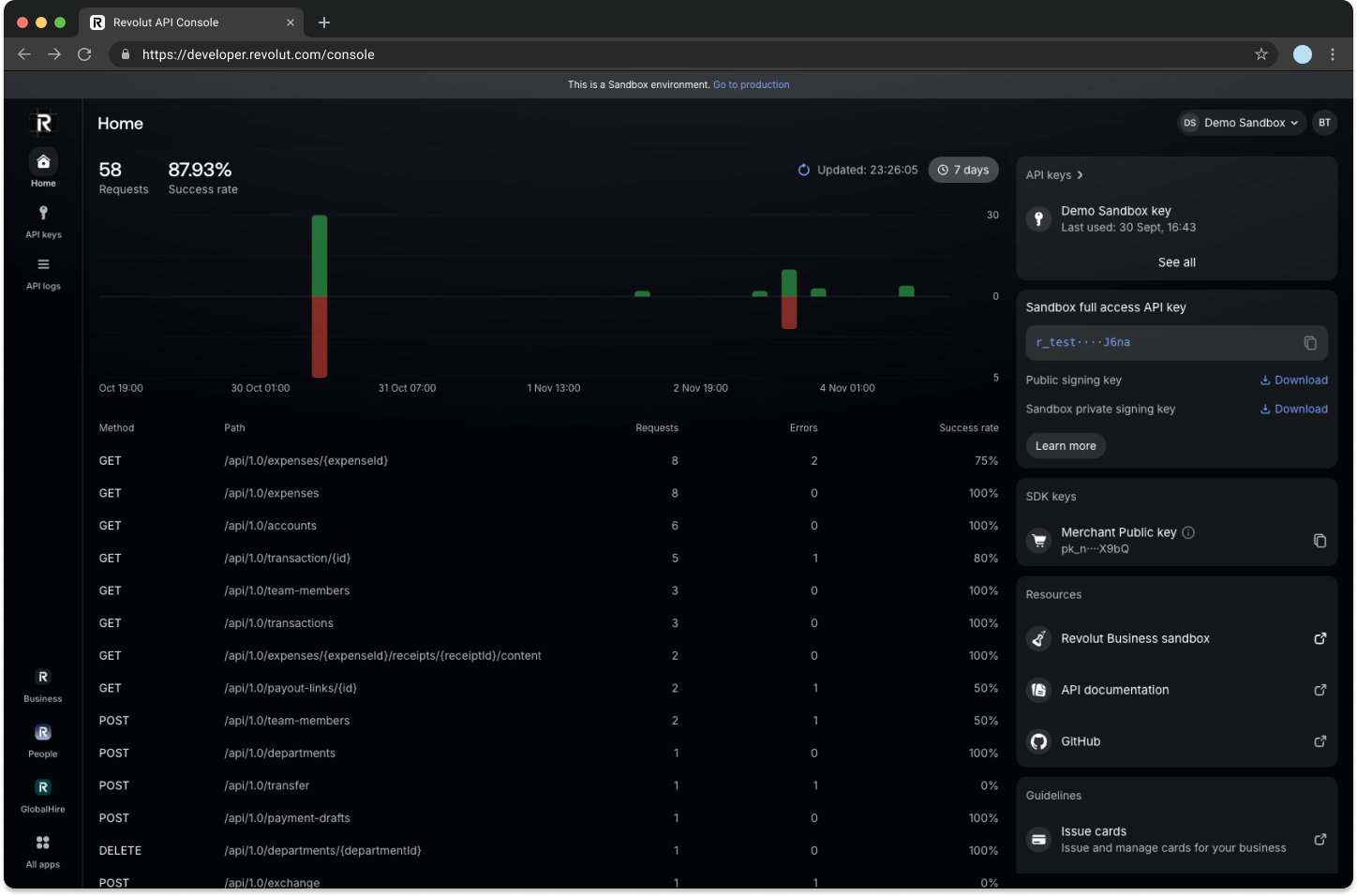
The API Console home screen opens.
What's next
- Create an API key: Create your first API key and configure its permissions and security settings.
- Set up Postman: Automate request signing with a pre-request script.
- See the API reference for: